iOS beta · coming soon

Your protocol, on the record.

Doses, protein, food noise, weight and photos on one shot-cycle timeline. No account, no server. Your logs stay on your phone.

One email when TestFlight opens. Nothing else. A Hide My Email address works here.

The Dialed Today view: 98g of a 140g protein goal, a weight trend, a mood check-in, caffeine and energy.

Twelve weeks of logs

Body weight down, lean mass up.

Body weightLean massBody fat %
150170190210LB202530% BODY FATMar 4Apr 1Apr 29May 27151.0 lb29.6%Mar 4214.6 lb152.0 lb24.6%Apr 15201.6 lb153.1 lb19.9%May 27191.2 lb

Across the twelve weeks, body weight fell 23.4 lb, lean mass rose 2.1 lb, and body fat fell from 29.6 percent to 19.9 percent. Fat mass fell 25.5 lb.

Illustrative data, not a real user. Dialed charts what you log. It does not suggest a dose or a change.

What it does

A record of your protocol, not advice about it.

The gap to your protein target, updated as you log

Protein is the first number on the screen. Quick-adds cover common foods, and the ring shows what is left of the day's target.

PROTEIN HERO

42gTO GO148 of 190 g today

Food noise, weight and protein on one shot-cycle axis

Every chart re-bins from calendar days to days-since-shot in one toggle, and a cycle picker chooses which one you are reading, so this cycle sits against the last one. Zero baselines, no dual axes, no judgement copy.

CYCLE TRENDS

0246days since shotin your systemfood noiseweight

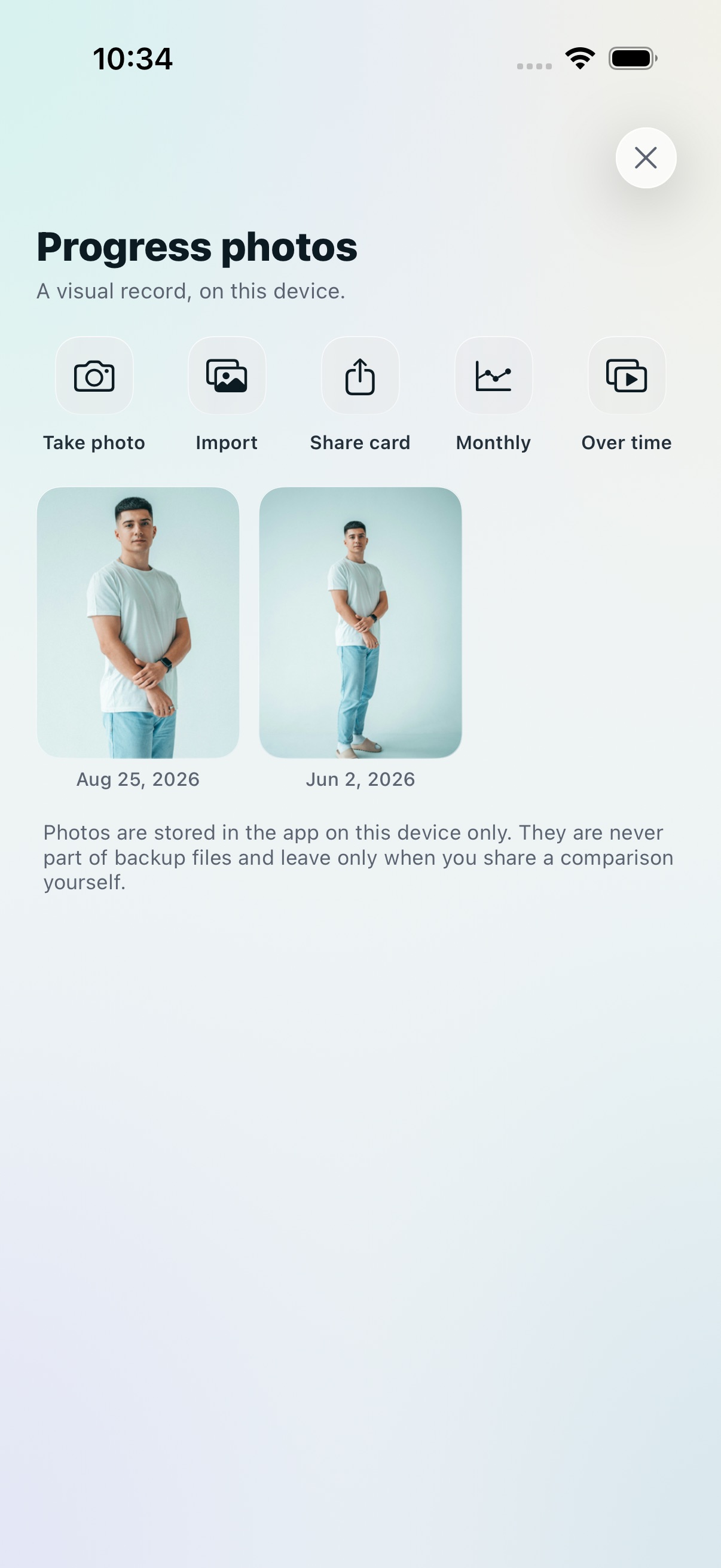
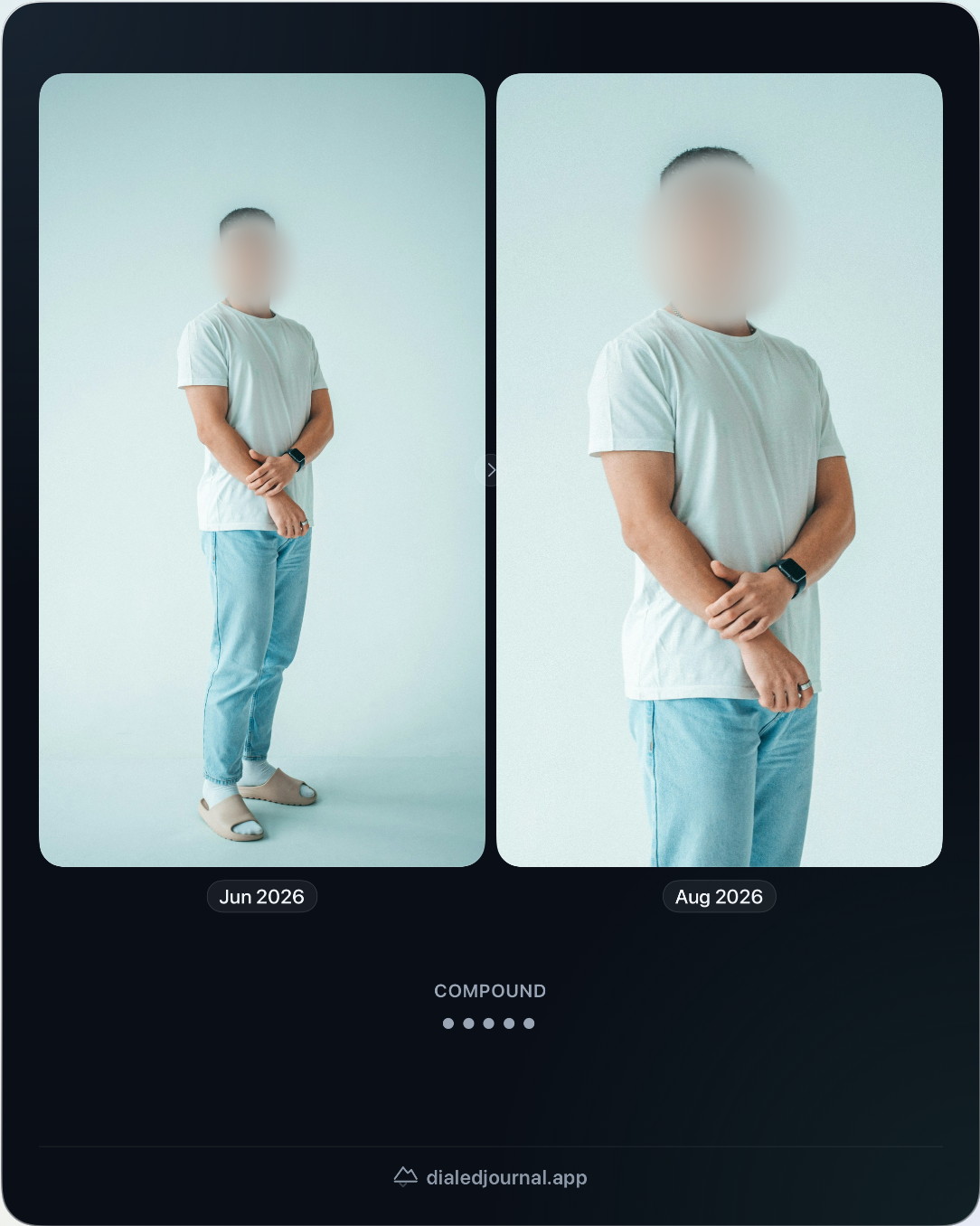
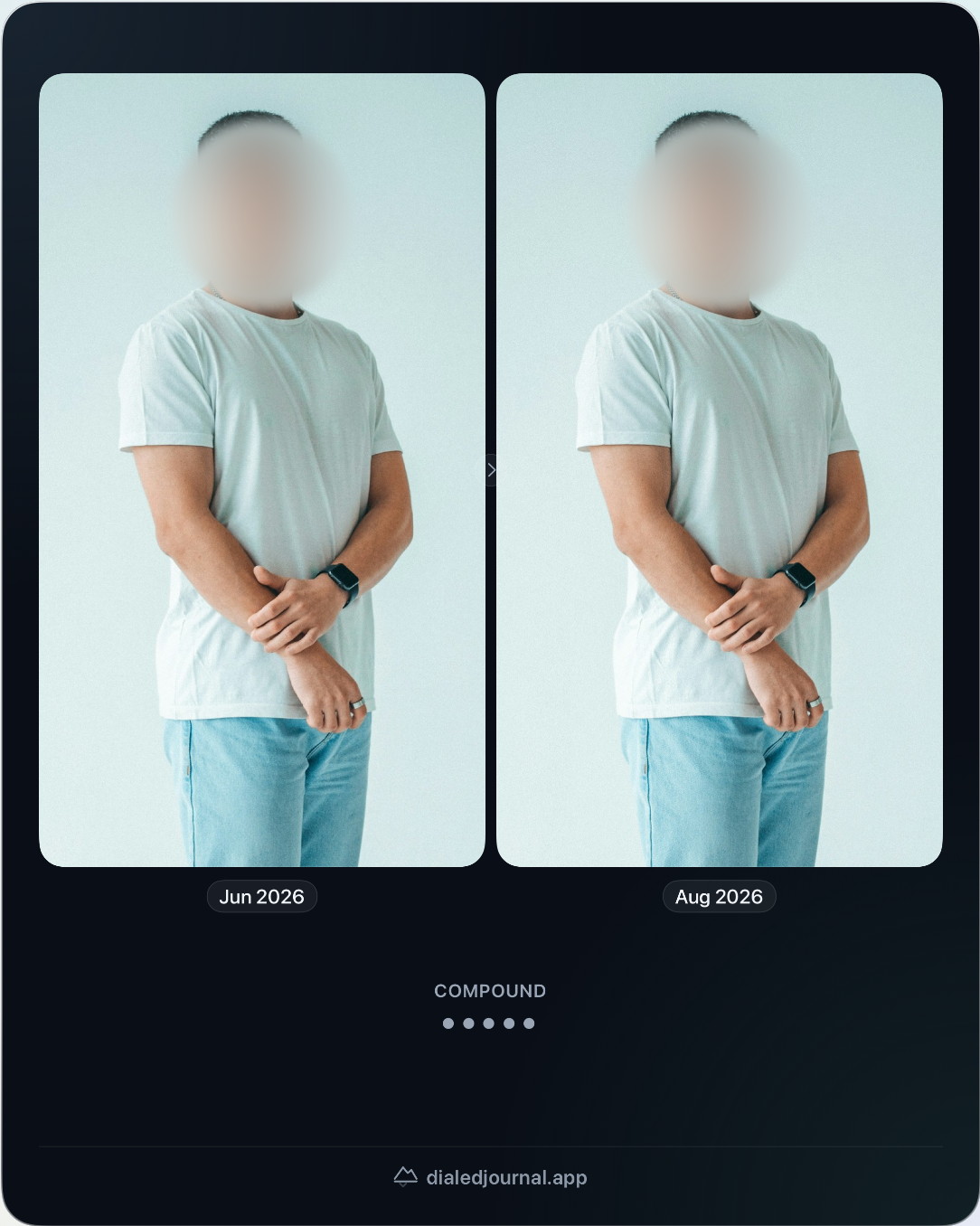
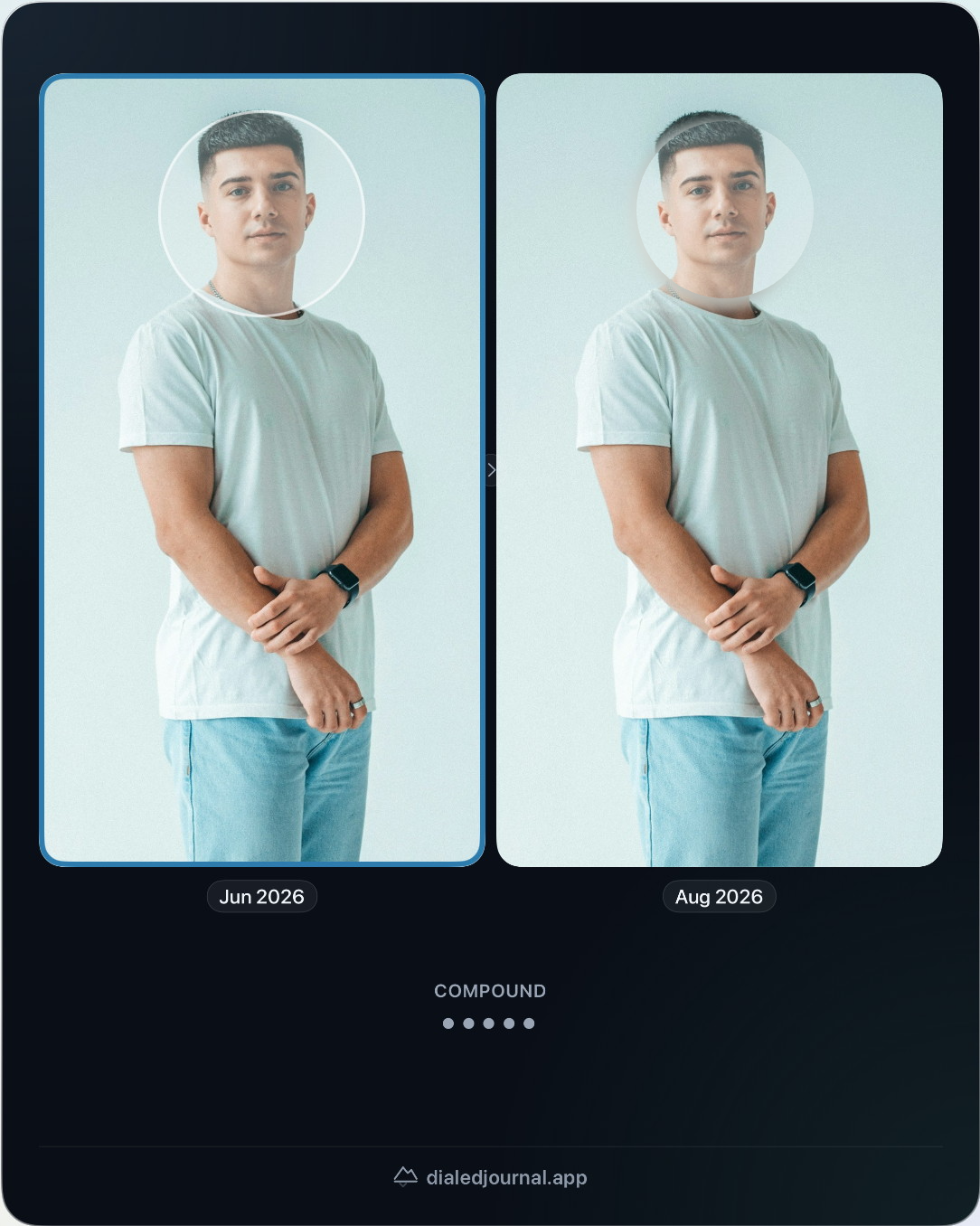
Visual evidence, and your face blurred before it leaves

Progress often shows in photos before it shows on the scale. Photos are written so they stay unreadable while your phone is locked, and when you build a comparison to share, face blur is on by default and applied on your device.

PROGRESS PHOTOS

WEEK 1WEEK 12

No account and no server

Everything you log stays in one file on your phone. There is no sign-up and no account, and the developer operates no server and has no way to read, receive or recover any of it. An automatic copy in your own iCloud Drive is off until you turn it on. Export a backup whenever you like.

ON-DEVICE PRIVACY

stays hereNO SERVERNO ACCOUNT

And the rest of what it records

Every version is listed at the changelog, generated from the release record inside the app.

One body map

Every injection across every compound on a single map, so two protocols hitting the same site days apart is visible at a glance. Reactions log per compound.

Observation modules

Attach only what you want to watch: sleep, skin, healing, focus, whatever your compound is for. Everything off by default, and a custom builder for the rest.

DEXA scans and the tape

Enter a scan from the paper report and keep the full regional breakdown. Two scans read side by side against a measurement noise band. Waist, hip, arm and thigh get their own lines.

What this costs

Total spent per compound from your own vial prices, and an optional cost-per-pound line that is off by default. Pure arithmetic from what you logged.

Your journal, as spreadsheets

A CSV per section or all of them zipped, with stable documented columns and a plain-language guide. Import a history from another tracker the same way.

A report you can hand over

Pick a date range and make a PDF: weight trend, dose log, how often each signal came up, and your protein average with the number of days it covers. A journal summary, not advice.

Apple Health, field by field

Weight, sleep, heart rate, heart rate variability and respiratory rate, plus steps, workouts and energy. One toggle per reading, read on your device and never sent anywhere.

Quiet mode

One switch hides every weight readout across the app while logging stays open. Nothing is deleted or rewritten, and one tap brings the numbers back.

App lock

Face ID, Touch ID or your passcode in front of the journal. Progress photos are written so they stay unreadable while the phone is locked.

Compare your cycles

A sheet off the cycle view puts this cycle against the median of your prior ones for protein, mood, food noise and weight. It states a difference and never explains one.

Vials on the shelf

What you have, what each vial cost, when you opened it, and the date your own logging pace says it runs out.

Reminders you write

Your text, your days, your time. The app never works out timing from what you logged, and a notification does not name a compound on your lock screen unless you ask it to.

Who it is for

Different protocols, the same question: is it working?

Four ways people use the app, and the screen each one relies on.

Portrait of a person at a window in low light

The microdoser

A smaller dose, and a record of whether it holds

Mood, appetite and signals get logged the day they happen, so whether this is still working is a question your notes answer rather than your memory.

Today
The Today screen showing 98g of a 140g protein goal, a weight trend, a mood check-in, caffeine and energy
Portrait of an athlete mid training, shot in black and white

The recomp lifter

Your protein average, day after day

You are lifting through the cycle, so protein is logged as you go and Trends states your average grams per day against your goal, rather than scoring the days you hit.

Trends
The Trends screen showing a month of weight moving from 189.2 to 182.4 lb, with protein per day underneath
Portrait of a person wearing glasses against a dark background

The maintainer

Two years in, and logging still takes seconds

You are holding a number rather than chasing one, so capture has to stay quick, and the barcode lookup asks first and sends nothing but the barcode.

Scan
The barcode scan screen asking permission before any lookup is sent
Portrait of a person in a dark hooded top, looking at the camera

The multi-peptide optimizer

Several compounds, one timeline

Each peptide clears at its own rate, so the record shows where every compound sits today instead of a calendar full of ticks.

Doses
The Doses screen showing what is in your system for two compounds, and the days since the last dose

Mood check-in

One tap a day, and the week takes a shape.

ShowingGood
Check-ins13 of 35
Most oftenMorning

One week of check-ins, binned by time of day. Pick a face to find it in the week. Dialed shows the pattern and does not score it. Sample data, not a real week.

Signals

A fixed vocabulary, in two groups.

Day 3 after shotWednesday
Tagged4 of 11
  • Low appetite tagged
  • Nausea tagged
  • Energetic not tagged
  • Tired tagged
  • Bloated not tagged
  • Constipated not tagged
  • Poor sleep tagged
  • Cramp not tagged
  • Soreness not tagged
  • Strain not tagged
  • Injury not tagged

One fixed vocabulary, offered the same way every day. Free text would make this month incomparable to the last. A tag is a record of what you felt, not a diagnosis of it. Sample week, not a real one.

New in 3.0

The Journal grows a memory.

Read any day back

Tap a past day in the Journal and see that day whole: its totals, its entries, and where it sat in the cycle. Doses appear in the feed alongside everything else you logged.

A guided first look

A short tour on sample data at first run, and available again from the You tab. Every beat of it is marked as sample data, and none of it touches your journal.

Names, covered

Compound names stay covered until you reveal them, and with app lock on, Face ID guards the reveal. The default is covered.

One scan, the whole can

A barcode scan can bring caffeine along, and the compose sheet logs the drink toward water in the same save.

The invite

Get an invite when the beta opens.

One email, and nothing after it. No newsletter, no drip sequence, no analytics on the address. A Hide My Email address works here.

Coming soonApp Store
Coming soonTestFlight beta

Dialed is a journal. It records what you did. It is not a medical device, it carries no sourcing and no dosing advice, and it will not tell you what to do with a drug. Talk to your prescriber.

Read the privacy policy